- Status
- Live, in daily use
- Built for
- Reading and sending texts from a computer, with no iPhone at hand
- Runs
- A browser, a relay server and a small agent on a Mac
What it does
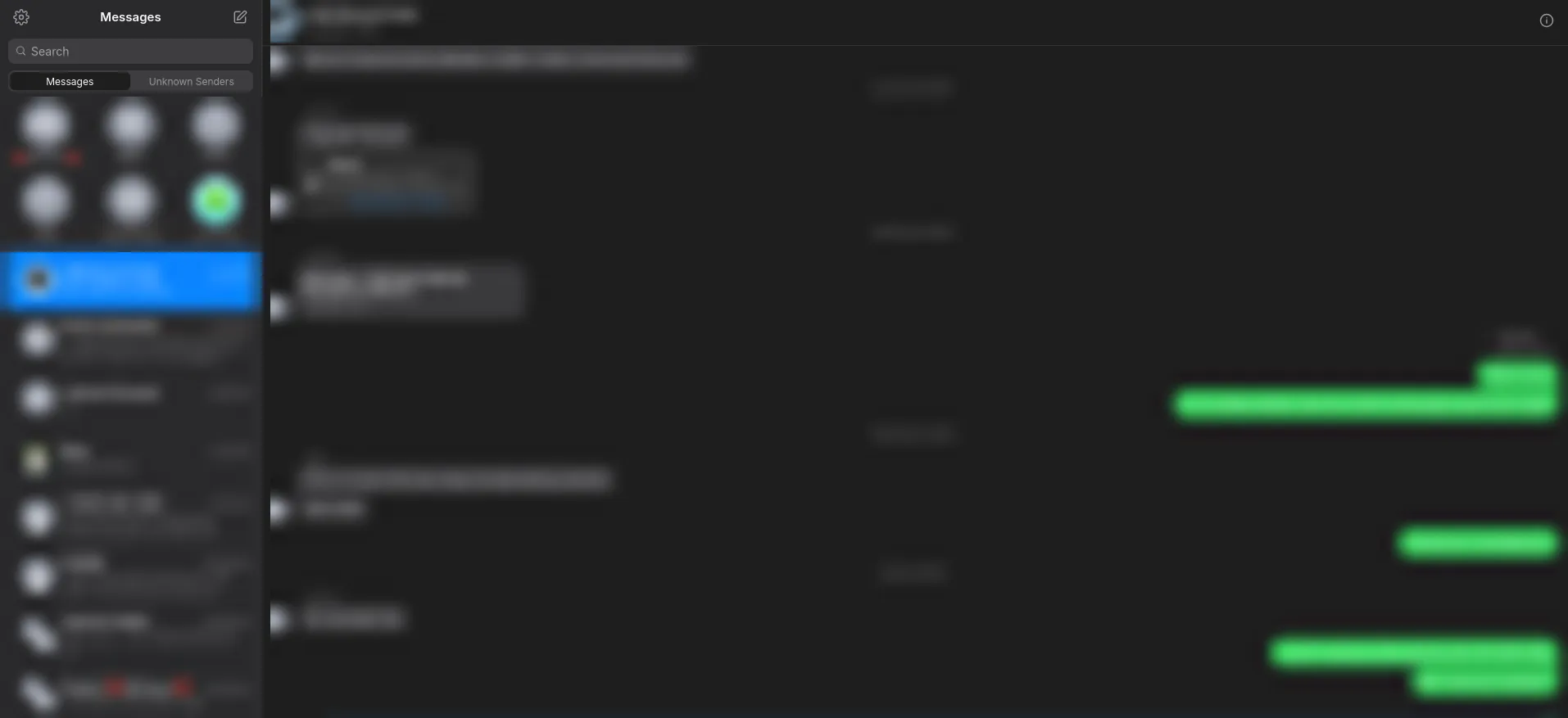
iMessage and text messages in a web browser, on any computer. A Mac kept signed in to the account does the sending and receiving, and the web app matches the iPhone’s Messages app: chats in the right order, contact names, group chats, tapbacks, replies, and photos and files to view, download and send. It opens instantly from a local copy and then fetches only what’s changed, and it loads nothing from outside servers, so it works on a locked-down work PC that blocks them.
Worth knowing
- Delete, forward or mark a message as junk, and anything deleted on the phone disappears here too
- Three parts working together: the web app, a server that relays everything, and a small agent on the Mac
- About 20,000 lines of code, with every font and emoji served from its own host